
The pen is set to the right voltage, the cartridge is fitted and you start it. But nothing happens. Increasing the voltage may make it start, but then you have to reset the desired voltage setting.
Tattoo machine Jump Start helps overcome resistance when starting up. Some wireless and rotary machines have this setting, but whether to use it depends on the pen and cartridge together.
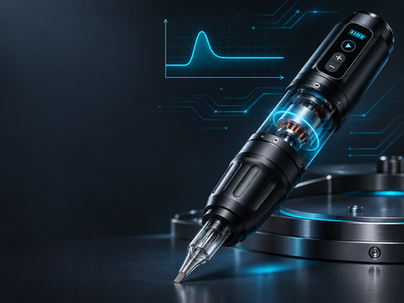
What Is Tattoo Machine Jump Start?
This feature temporarily boosts the voltage to enable the motor to overcome higher starting resistance. When the motor is running, the output automatically returns to the preset operating voltage. It’s particularly useful for cartridges which need more power to start than to run.
Check whether your pen or power supply has the feature.
The Difference Between Jump Start and Normal Operation
Jump Start assists the motor at startup to achieve the necessary starting torque. After the motor has started and is running at your selected working voltage, Jump Start has no influence on the motor.
How Does the Jump Start Function Work?
Jump Start raises the amount of electrical power to the motor temporarily to help provide sufficient starting torque to turn the drive and cartridge.
Enable the function and activate the machine.
The controller adds a little extra voltage during startup.
The motor overcomes initial resistance and starts rotating.
The output returns to normal working voltage.
For example, a certain pen uses 9V for 0.3 seconds, another pen uses 10V for 1 second. These values are model-specific examples and must not be applied to other tattoo machines. Higher voltage or longer start-up time does not necessarily mean better performance.
When Is Tattoo Machine Jump Start Needed?
Many rotary tattoo machines function perfectly without startup assistance.
1. When the Motor Has Difficulty Starting
When your pen hesitates at a voltage that it runs well at once moving, this feature could help. However, be certain that your cartridge is being used correctly and that you have checked the battery for adequate power before activating this feature.
2. When Using Higher-Resistance Cartridge Setups
The torque needed to start varies with the load. The startup load also depends on the membrane resistance and the construction of the tattoo needle cartridges that are used. Simply counting the number of needles on the cartridge is not sufficient to determine the startup load.
3. When the Manufacturer Recommends Startup Assistance
Follow the operating instructions for each of your pen models and their respective setups. You may need to switch Jump Start on or off when changing cartridges. Jump Start is not intended to aid a damaged or locked up motor or to force a jammed cartridge.
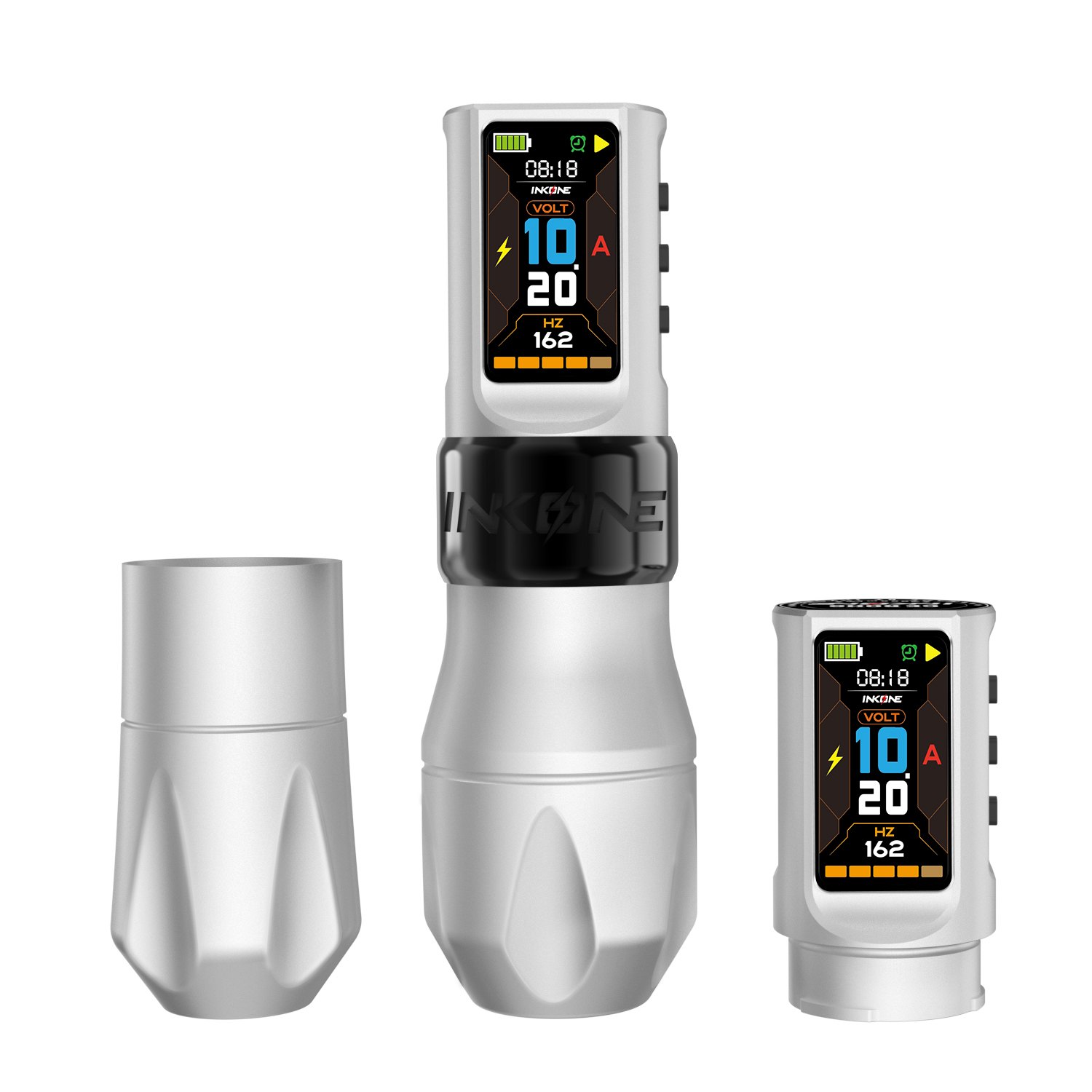
When Is Jump Start Not Necessary?
If your pen starts smoothly at the working voltage of the machine, there is no need for any additional help. You may prefer the gentler normal startup.
Stoppages in use can be caused by cartridge incompatibility, battery condition, connections, and maintenance issues. If it begins to overheat or to otherwise malfunction, cease use of the unit immediately. Consider the wireless tattoo machine battery life under load when looking for a solution to problems with runtime as opposed to startup. The startup modes of wireless tattoo machines will not charge a completely dead battery.
How to Use Tattoo Machine Jump Start Correctly
Step 1: Check the Machine’s Operating Instructions
Is Jump Start automatic or do you need to switch it on and off? Similar-looking pens can require different button combinations, so check the operating instructions for yours.
Step 2: Set the Normal Operating Voltage
You must run your machine at the working voltage recommended for your model, and for the intended tattoo needle cartridges, and not confuse this with the brief period of higher voltage used for Jump Start.
Step 3: Activate Jump Start Mode
To activate the Jump Start function, use the controls specified for your pen and allow it to complete the normal start up to working voltage.
Step 4: Check Machine Performance
Test the feature for consistent startup and test on suitable practice material before working on clients. Consult the troubleshooting instructions should the pen not behave as expected and avoid relying on the boost to repeatedly start up the pen.
Jump Start vs. Normal Voltage vs. Boost Mode: What’s the Difference?
|
Feature |
Main function |
|---|---|
|
Normal Operating Voltage |
Keeps the motor running at the selected setting. |
|
Jump Start |
Gives a brief voltage boost at startup. |
|
Boost Mode |
May increase power during operation; behavior depends on the model. |
Be aware that a “boost” button on a machine does not always activate a Jump Start feature. On some models a “boost” button on a machine is used for a short amount of time to increase power while tattooing. Be sure to refer to your operating manual to see what changes the button makes and when.
What Should Buyers Look for in a Tattoo Machine with Jump Start?
Motor Performance and Startup Consistency
Compare tattoo machines with the tattoo cartridges your customers use. Test if the tattoo machine can be started repeatedly, if it vibrates and if the unit runs stably under load. A demonstration of the tattoo machine without load does not test the resistance of the tattoo cartridges.
Voltage Control and Jump Start Specifications
For OEM/ODM customization, detail the startup voltage, boost duration, startup method and return to normal running voltage before approving samples. Can the startup boost be disabled?
Battery Performance and Product Reliability
Check the battery’s capacity, voltage stability, recharge time, runtime, and protection features. Testing under a realistic load should be performed prior to placing a large order for distribution by a wholesale supplier, OEM manufacturer or private-label supplier. It would be wise to note down the specifications of the motor, stroke length, cartridge and batteries used in the sample test.
Choose the Right Tattoo Machine with INKONE
Source wireless tattoo machines and their matching accessories from INKONE for your studio or as part of your distribution range. For wholesale, OEM and private-label projects, discuss your requirements and request samples to test before approving a production order.
Frequently Asked Questions About Tattoo Machine Jump Start
Does Jump Start Increase Tattoo Machine Voltage Permanently?
No. The voltage is higher only for startup; once running, it drops back to the preset operating voltage.
Does Every Wireless Tattoo Machine Need Jump Start?
No. The need depends on motor design, cartridge load, and operating voltage. If a pen starts reliably at its working voltage then there is no need to use Jump Start.
Can Jump Start Fix a Tattoo Machine That Keeps Stopping?
Usually not, because Jump Start is only meant for the initial start-up and a successful re-start does not mean that the problem has gone away. It is better to investigate the problem while the machine is switched off to check the connections, the battery, the motor and the mechanical load of the tattoo machine.