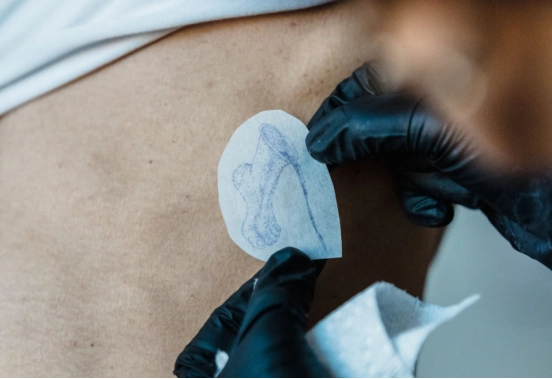
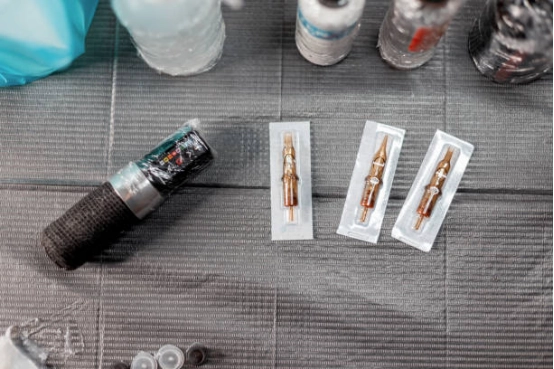
The awkward part of printing large tattoo stencils is getting the pieces back together. Leave some of the drawing on both sides of each join, and make every section from one full-size master. That shared strip gives you something to match when the prints come out.
Suppose you’re preparing a floral thigh piece. Cutting the file exactly in half would put a join through the middle of a flower. Would you really want to line up its tiny centre across two separate sheets? We’d move that cut. Equal panels look tidy on screen, but there’s no prize for making the paper layout symmetrical.
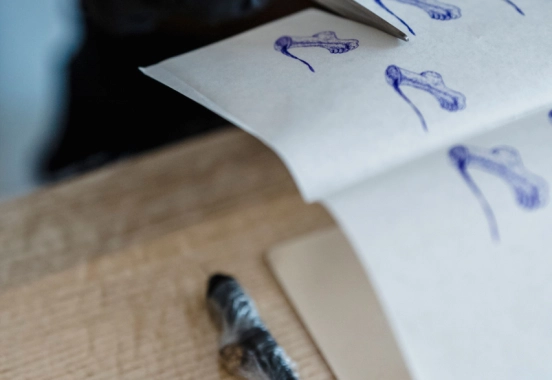
Can Roll Paper Replace Multiple Stencil Sheets?
A narrow design running down a calf may suit one continuous print. With a broad back piece, you can run out of room sideways while there’s still plenty of paper left on the roll.
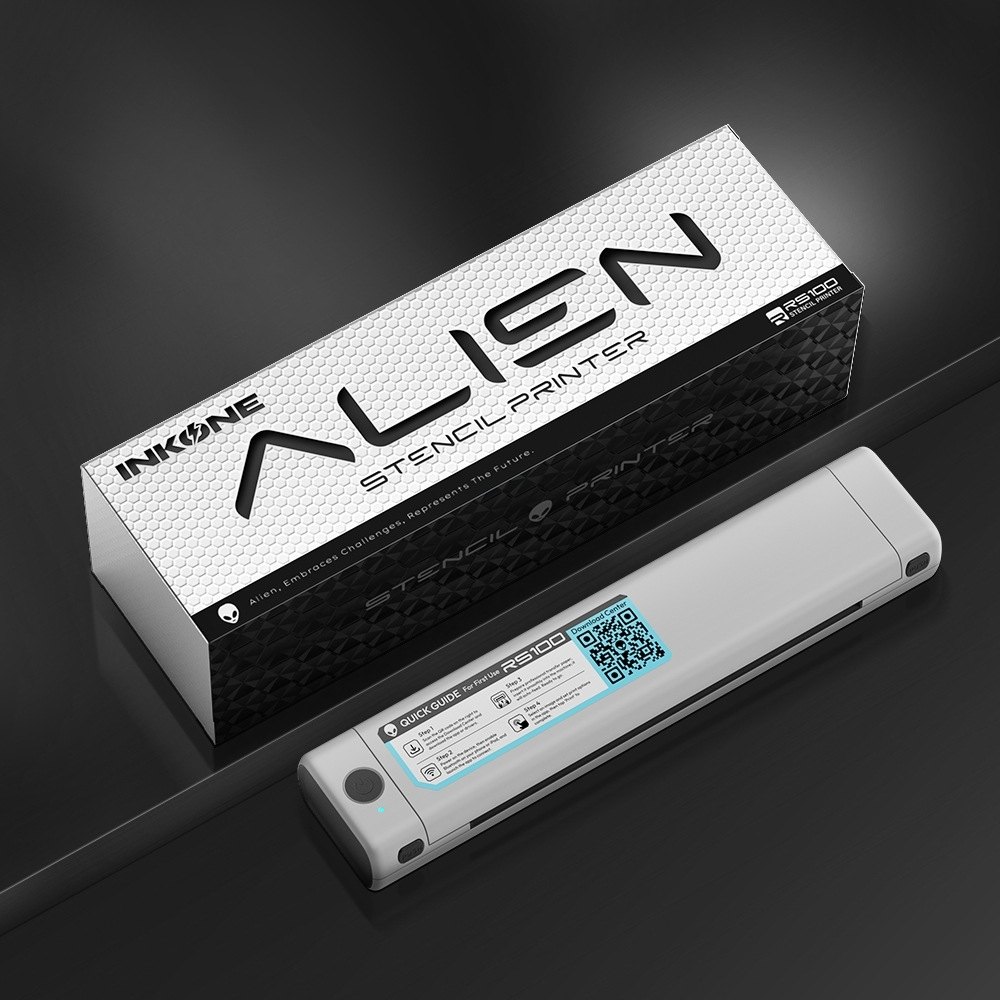
The RS-100 tattoo stencil printer accepts A4 sheets and roll paper, with a maximum print length of 1.5 m and a print width of 216 mm. A drawing that’s 300 mm across won’t fit that way round. Turning it might help if the other dimension fits.
Use the space your printing setup actually gives you after margins. The paper’s outside dimensions aren’t always the area available for the drawing.
A continuous print doesn’t have to stay in one piece, either. You might cut it afterward where the design turns around a contour. There is little value in keeping the stencil whole if you have to fight it to get the important features into position.
Where Should You Split a Large Tattoo Stencil?
Try drawing the joins on a spare layer over your artwork. You can move them around without committing to a stack of prints. Consider the cut itself, then the details you’ll use to put it back together.
Keep Critical Features Together
A portrait eye is an inconvenient place for two sheets to meet. Even a small mismatch interrupts a feature the viewer will look at closely. We’d spend a little more paper to avoid that join. Look for a less crowded stretch of the drawing.
On the floral piece, we’d keep each flower together and look at the connecting stem. A bare straight section isn’t ideal. Include the branch where a leaf comes off and you have a much more recognisable meeting point.
Give Each Join a Clear Landmark
Choose two recognisable points spaced apart in the shared artwork. A leaf tip and a stem junction can work. Match both.
One point can line up while the sheet rotates around it. The second point makes that rotation visible. Several identical petals can fool you into joining the sheets one petal apart. A crooked leaf is useful here. You know which leaf it is.
How Much Overlap Do Stencil Sections Need?
Here’s where the paper count can fool you. A 450 mm drawing sounds like two lots of 225 mm. Slide one over the other by 10 mm, though, and the joined strip is only 440 mm long.
For the floral example, suppose you’ve chosen a 10 mm overlap. Making each section cover 230 mm gives you the extra drawing needed at the join.
230 mm + 230 mm − 10 mm = 450 mm
Here, section length means artwork coverage along the direction of the join. Blank paper margins do not count.
| Section Lengths | Shared Artwork | Joined Length |
|---|---|---|
| 225 mm + 225 mm | 10 mm | 440 mm |
| 230 mm + 230 mm | 10 mm | 450 mm |
| 240 mm + 230 mm | 20 mm | 450 mm |
There’s nothing special about 10 mm. In this example it leaves enough drawing to match. You might need 20 mm to reach a useful leaf tip, which means allowing more total coverage in the two panels.
None of this calls for enlarging the flowers. You’re changing where the crops begin and end, not resizing their contents.
How Do You Check Alignment Before Transferring the Stencil?
Give the printed set two separate checks. A good join on the table does not settle how the panels sit on the body.
Check the Prints Flat
Make the proof with your actual printer and thermal transfer paper. With both panels on the table, bring the leaf tip into position and look across at the stem junction. If that second point is off, you still have a size or angle difference to resolve.
Now measure the full drawing between its original endpoints. You’re looking for 450 mm in this example. The measurement includes the join, which checking individual sheets doesn’t do.
Leave a thumbnail of the whole design beside the set. Panel numbers help too; write them outside the part that will transfer. Someone picking up the sheets shouldn’t have to solve a puzzle.
Check the Fit on the Body
For the body placement check, return to the relaxed pose agreed with the client and position the main motif. The next panel may need more thought where the surface turns away. Forcing it to meet the previous edge can move the flower you just placed.
You printed the shared strip for alignment. It does not need to transfer twice. Once you know how the join will work, trim redundant transfer areas without losing the references needed to position the next piece.
What Should You Prepare for Your Next Large Stencil?
Save the numbered panels alongside the approved master and the little assembly picture. Put the finished dimensions there too. Tomorrow’s job might go to another artist, who shouldn’t have to reconstruct your decisions from a folder full of crops.
Still deciding how to print a particular piece? Send us your intended print dimensions with the paper format you have in mind. Even a rough section sketch helps us check what will fit. “Large” alone doesn’t tell us whether you need more length or more width.
FAQ
Can You Mirror Just One Stencil Section?
No. Imagine flipping only the lower flower while leaving its stem in place. The two parts no longer belong together. Mirroring may already happen in your printing app, so check that before doing it yourself. Lettering makes a useful direction check.
Should Every Stencil Section Be the Same Size?
They can be different sizes. Perhaps one flower needs a whole sheet while its neighbour fits on half. The danger is letting the smaller crop expand to fill the page. Keep both flowers at their original size during import.
Can You Reprint One Section After Changing the Artwork?
An edit confined to the middle of one panel may only need that panel reprinted. A line changed at the join needs new exports on both sides. Put the superseded prints aside immediately. Two almost identical versions are very easy to mix up.
Does Higher DPI Fix a Misaligned Stencil?
No. A sharper print of the wrong-sized panel is still the wrong size. DPI won’t straighten a rotated section either. Go back to the measurements and the two matching points before spending time on resolution settings.